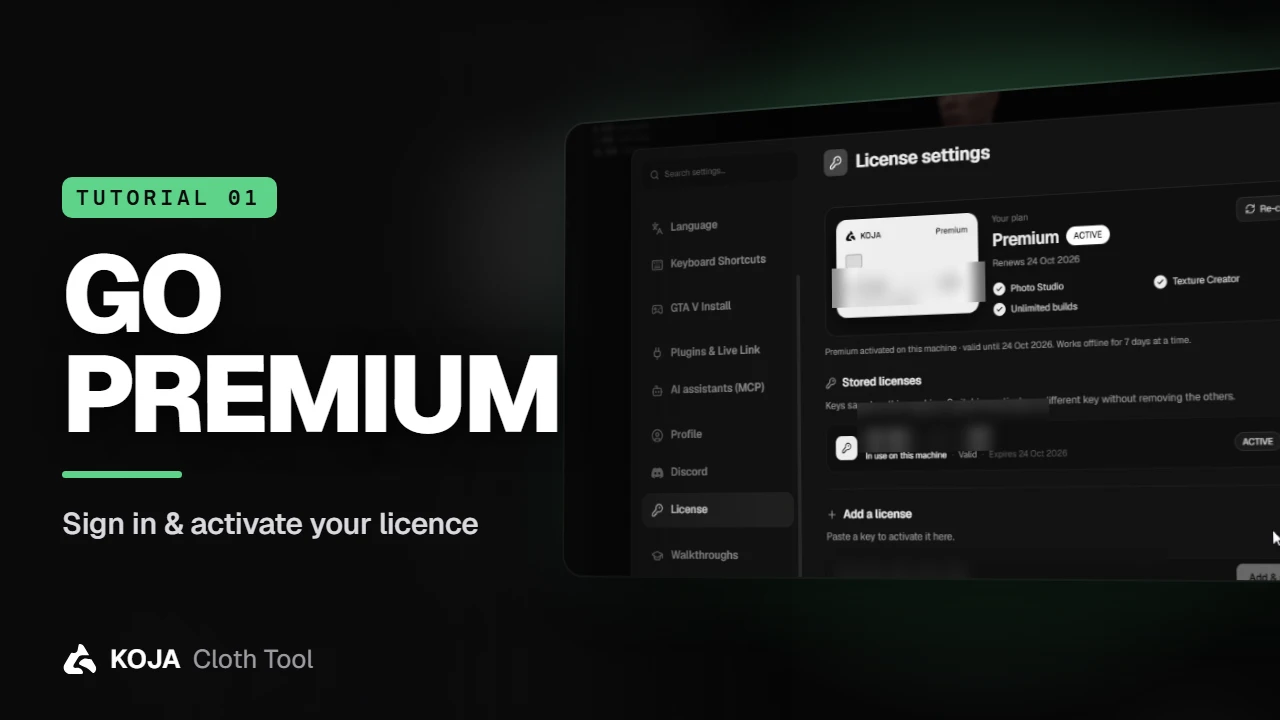
A one-minute start: sign in with your store account, authorize your PC, and turn a licence key into Premium — Photo Studio, the Texture Creator and unlimited builds.
Before your first pack, the app needs to know who you are. It takes about a minute, and you only do it once per PC.
Sign in through the browser
The first time you open Koja Cloth Tool it asks you to sign in. Click Sign in and your browser opens on the store. If you're already logged in there, there's nothing to type: press Authorize this device, and the app on that PC is linked to your account.
note
The app never sees your password — the signing in happens in your browser, on the store itself.
Where your licence lives
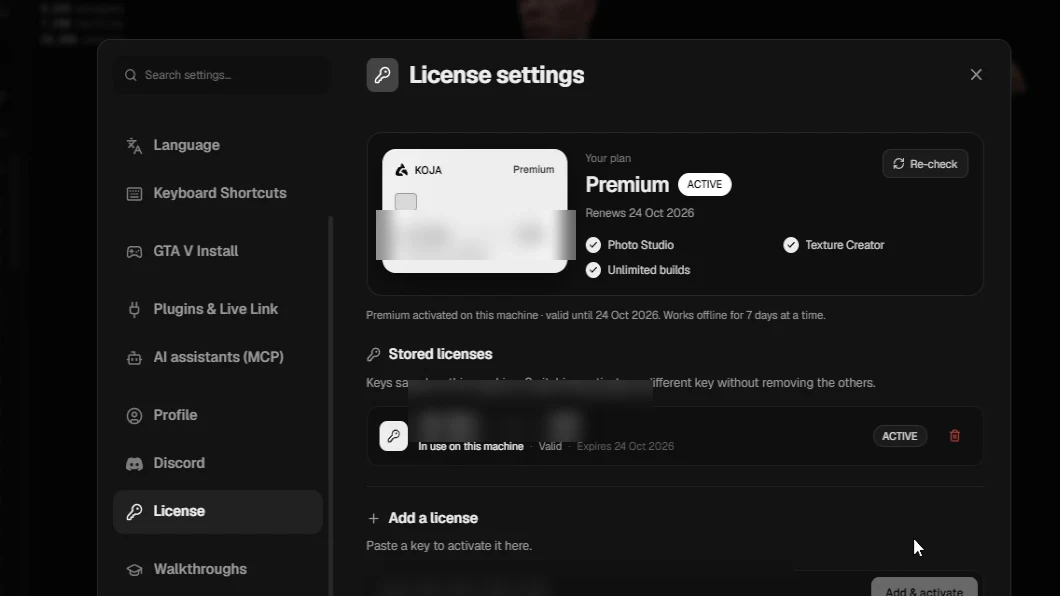
Back in the app, click your avatar in the top bar and open Settings → License. This page shows your plan, when it renews, and every licence key stored on this machine. Keys can be switched without removing the others, and removing one only takes it off this PC — the key itself stays valid.
Activate a key
Paste your key under Add a license and click Add & activate. Premium unlocks straight away:
- Photo Studio — clean product shots for your store, rendered from the 3D preview
- Texture Creator — paint on the garment itself
- Unlimited builds — the free plan comes with a limited number
Premium also keeps working offline for seven days at a time, so a dropped connection never stops a build.
tip
Under Profile you'll see the account the app is signed in as, and Discord lets you show what you're working on as your Discord status — or hide it while you're away.
That's the setup done. Next, let's make a project and bring some clothes in.
Next: Create a project & import clothes →
New to the tool? Download Koja Cloth Tool — it's free to start. Full documentation lives at docs.kojascripts.eu, and if a pack misbehaves, ask us on Discord.