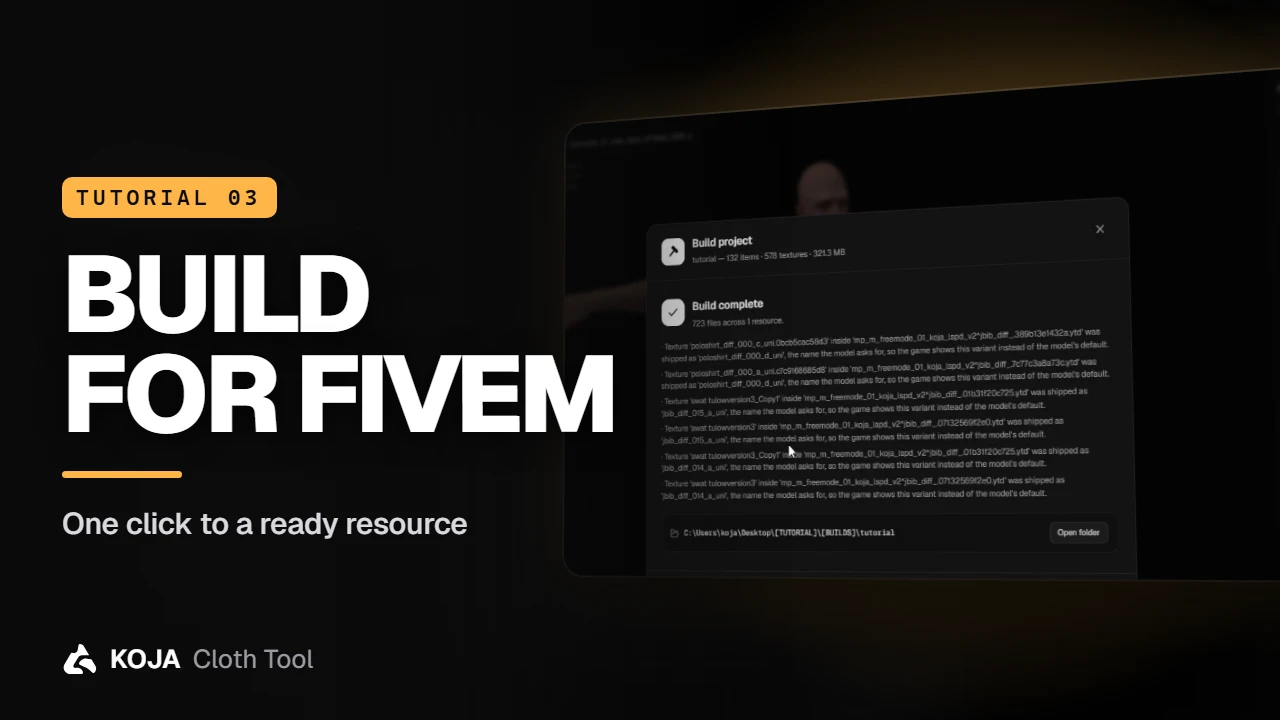
One window turns your project into a ready-to-stream FiveM resource: output, edition, add-on or replace, checks with fixes, and a build that never needs a hand-written meta.
Building is where hand-made packs usually go wrong — file names, .ymt, shop meta, manifest. Koja Cloth Tool writes all of it for you.
Open the build window
Click Build project in the top bar. Options sit on the left, checks on the right.
- Output — FiveM gives you a streamable resource, dlc.rpf is a single-player add-on, Both builds the two side by side.
- GTA V edition — Legacy, Enhanced, or Legacy + Enhanced as two separate resources.
- Build type — Add-on adds a new collection next to the game's own clothes. That's what you want almost every time. Replace overwrites one of Rockstar's collections, for the rare case you need it.
Read the checks
Checks run on the whole project and group what they find by problem — Texture dimensions are not powers of two, A large texture the mesh barely uses, Two items ship the same model twice. Many come with a one-click fix such as Optimize textures. Filter by Errors, Warnings or Ignored, and click a row to jump to its item.
note
Errors don't block the build. The button tells you how many there are — Build with 4 errors — and whatever can't be packed is left out and listed at the end, so one broken texture never costs you the whole pack.
Name it and build
- Output folder — where the resource is written.
- Collection name — lower case, no spaces. It becomes your resource's name.
- Shop export — shop configs for your clothing script, including a KCT universal manifest and an illenium-appearance blacklist.
- Advanced — the stream layout (segregated or flat) and a few extras. The defaults are fine.
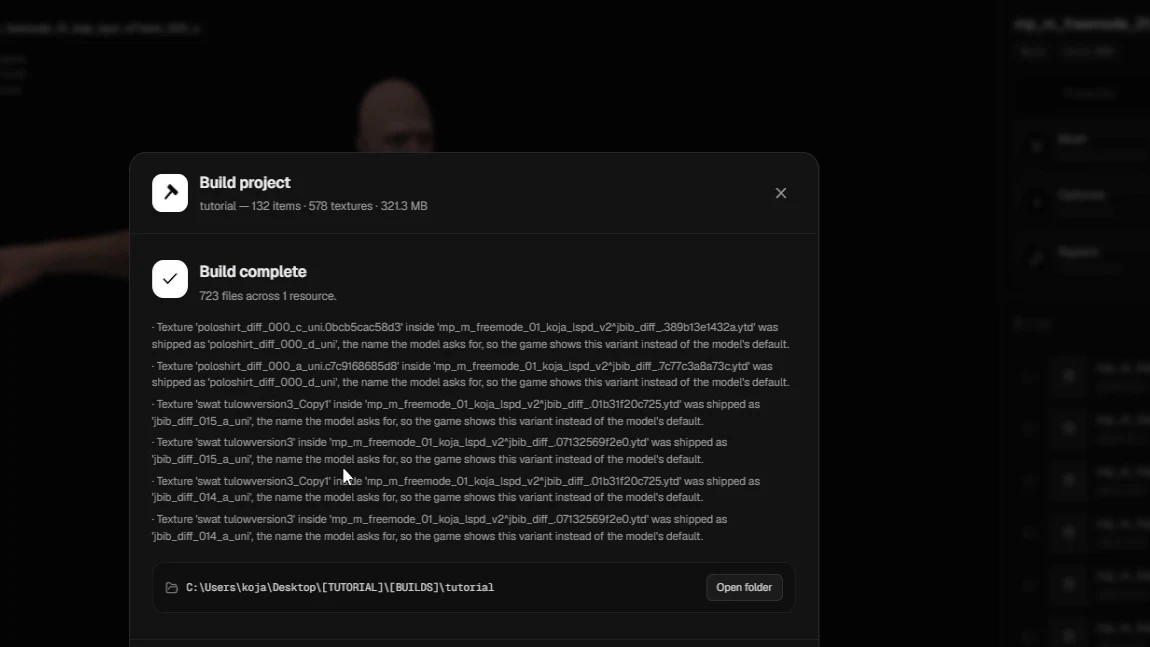
Click Build. When it finishes you get the file count and an Open folder button.
Start it on your server
Copy the folder into your server's resources, add one line to server.cfg:
ensure your_collection_name…and restart. Your clothes appear in the clothing menu after the base game's.
← Previous: Create a project & import clothes Next: Live Link: textures & Blender →
New to the tool? Download Koja Cloth Tool — it's free to start. Full documentation lives at docs.kojascripts.eu, and if a pack misbehaves, ask us on Discord.