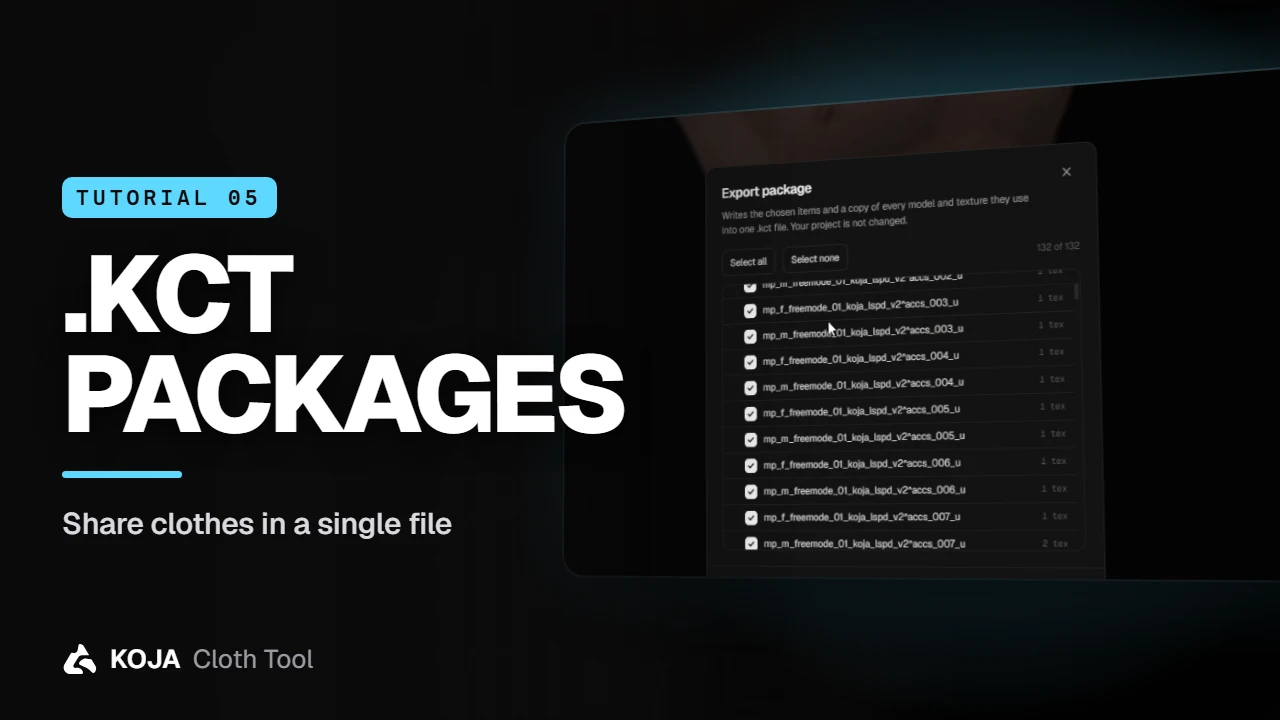
Send a teammate ten garments — or one — as a single file that carries every model and texture they need, and import it with a drag and drop.
Sending a whole project to share three jackets is overkill. A .kct package holds just the items you pick, plus a copy of every model and texture they use, in one file.
Export a package
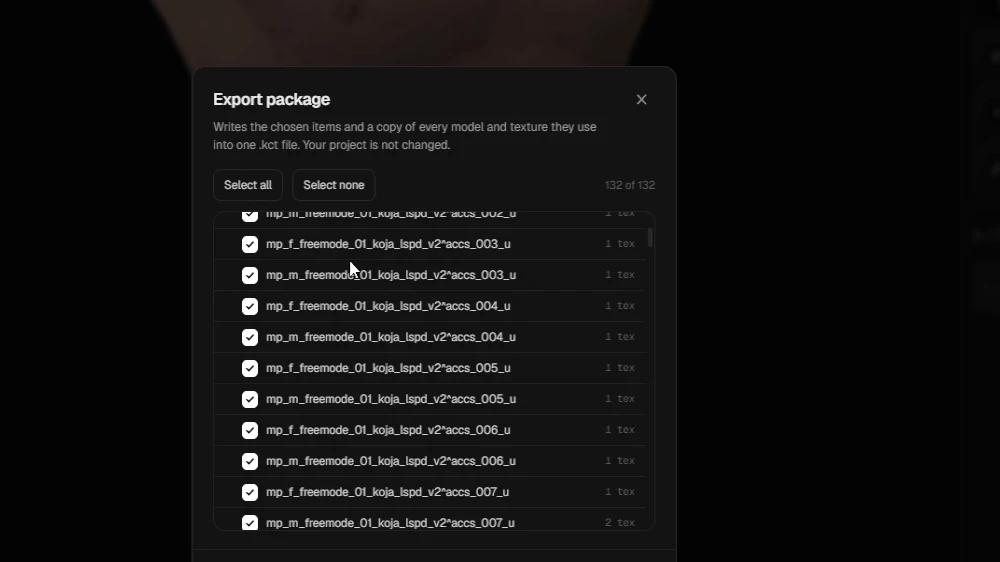
Open the app menu (the Koja logo, top left) and choose Export package. Tick whole categories or single items — Select all and Select none help with big projects — choose where to save, and you get one .kct file. Your project itself is not changed.
Export a single item
Just one garment? Right-click it and choose Export as a .kct package. Same dialog, same single file.
Import a package
Use Import → Other formats → Koja package, or simply drag the file from Explorer onto the window.
note
If a drawable number in the package is already taken in your project, the item gets a new one automatically and the app tells you which. Nothing is overwritten.
The items arrive with all their textures, ready to preview and build. That's how you share clothes without sending a whole project.
← Previous: Live Link: textures & Blender Next: Custom peds →
New to the tool? Download Koja Cloth Tool — it's free to start. Full documentation lives at docs.kojascripts.eu, and if a pack misbehaves, ask us on Discord.