Cloth Tool tutorial #2: create a project and import your clothes
·2 min read·0 views
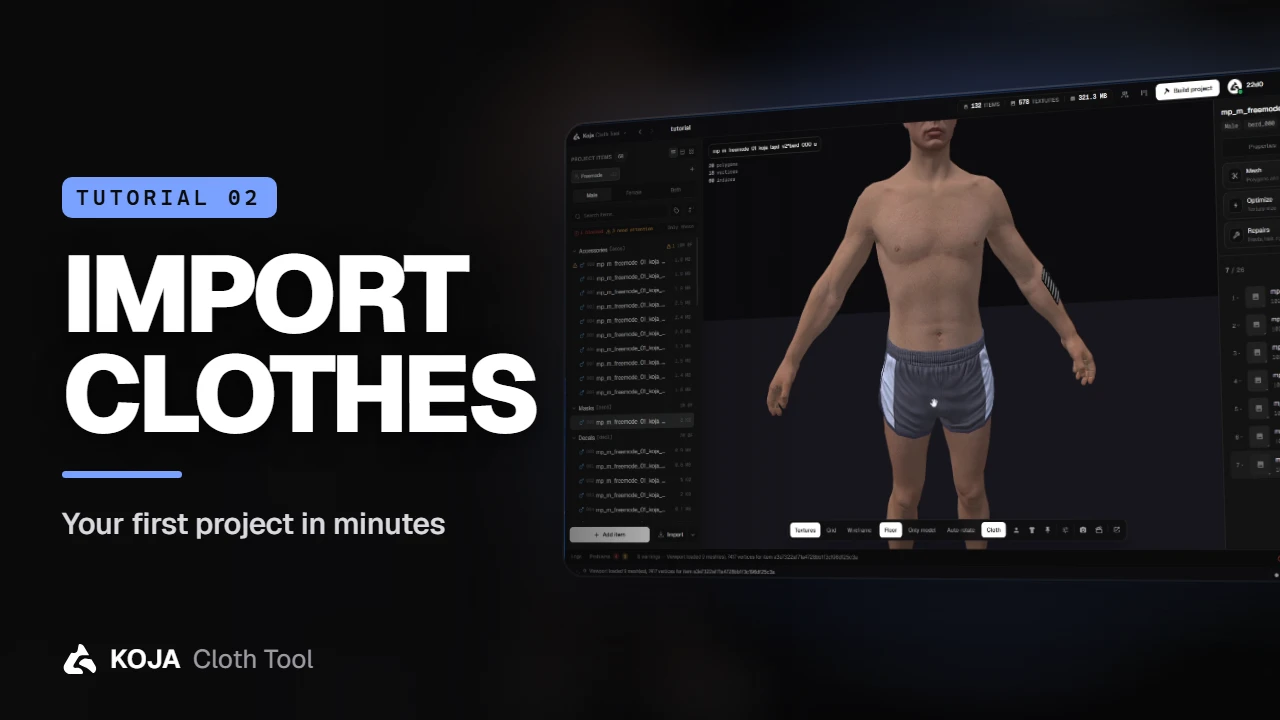
Start a pack, import .ydd and .ytd files, a whole folder or an existing FiveM resource, and check every garment on the ped before you build.
A project is a folder that holds a managed copy of every model and texture you import. Your original files are never touched, so you can move or delete them afterwards and nothing breaks.
Create the project
On the welcome screen, click New project:
- Project name — anything you like.
- Author — your name or your store's; it's written into the pack's
fxmanifest.lua. - Location — where the project folder lives.
- Target game — Legacy for classic FiveM, Enhanced for GTA V Enhanced, or both.
Click Create project and you land in an empty workspace.
Import your clothes
Open the Import menu. It takes whatever you have:
- single
.ydd/.ytdfiles, or a whole folder of them - an existing FiveM resource — a folder or a downloaded
.zip - packs and projects from other tools, under Other formats: Koja packages, Durty Cloth Tool projects and packages, GTA V
dlc.rpfadd-ons
Before anything is added you get a preview of every item the tool found — its slot, gender, drawable number and texture count. Gender and slot come straight from the file names (mp_m_ is male, mp_f_ female; jbib, lowr, accs and friends are the slots). Happy with it? Click Import.
tip
A file name that says nothing about gender? Use Import as Male or Import as Female from the same menu instead.
Check it on the ped
Your items are sorted by category on the left. Click one and it appears on the freemode ped in the 3D preview; its textures are listed on the right, and each one becomes a colour variant in game. Hover a texture for a quick look at the image.
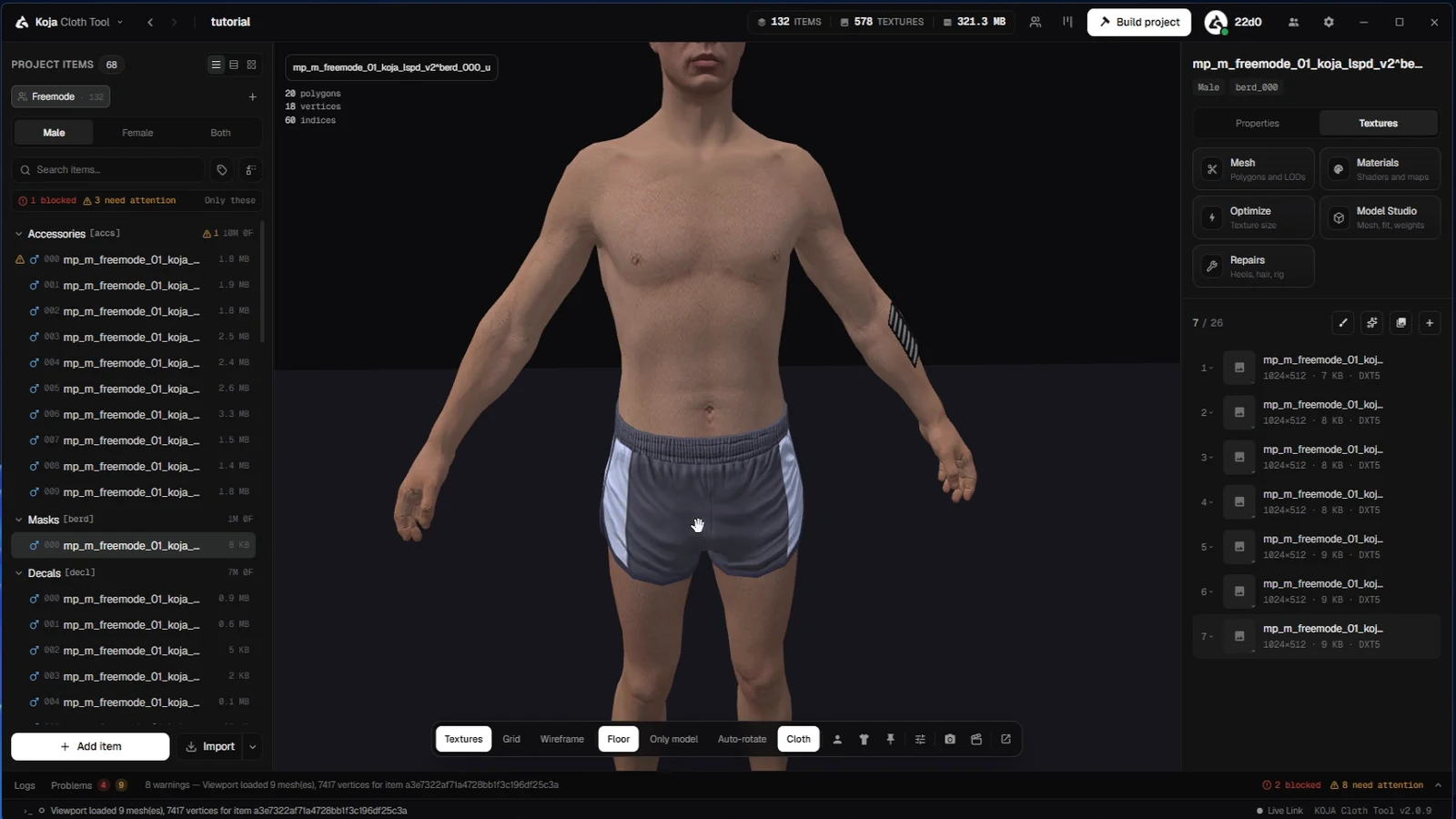
The bar under the preview switches textures, grid, wireframe and floor on and off, shows the bare model, or spins it with auto-rotate. Look changes the fabric — wet, dirty, glossy — and the animation menu plays poses and walk cycles, so you can see how a garment moves before your players do.
Need store images? Photo Studio renders clean product shots straight from the preview.
Your clothes are in. Next: turning them into a resource your server can start.
← Previous: Sign in & activate Premium Next: Build your FiveM resource →
New to the tool? Download Koja Cloth Tool — it's free to start. Full documentation lives at docs.kojascripts.eu, and if a pack misbehaves, ask us on Discord.