Cloth Tool tutorial #6: preview and build clothes for custom peds
·2 min read·0 views
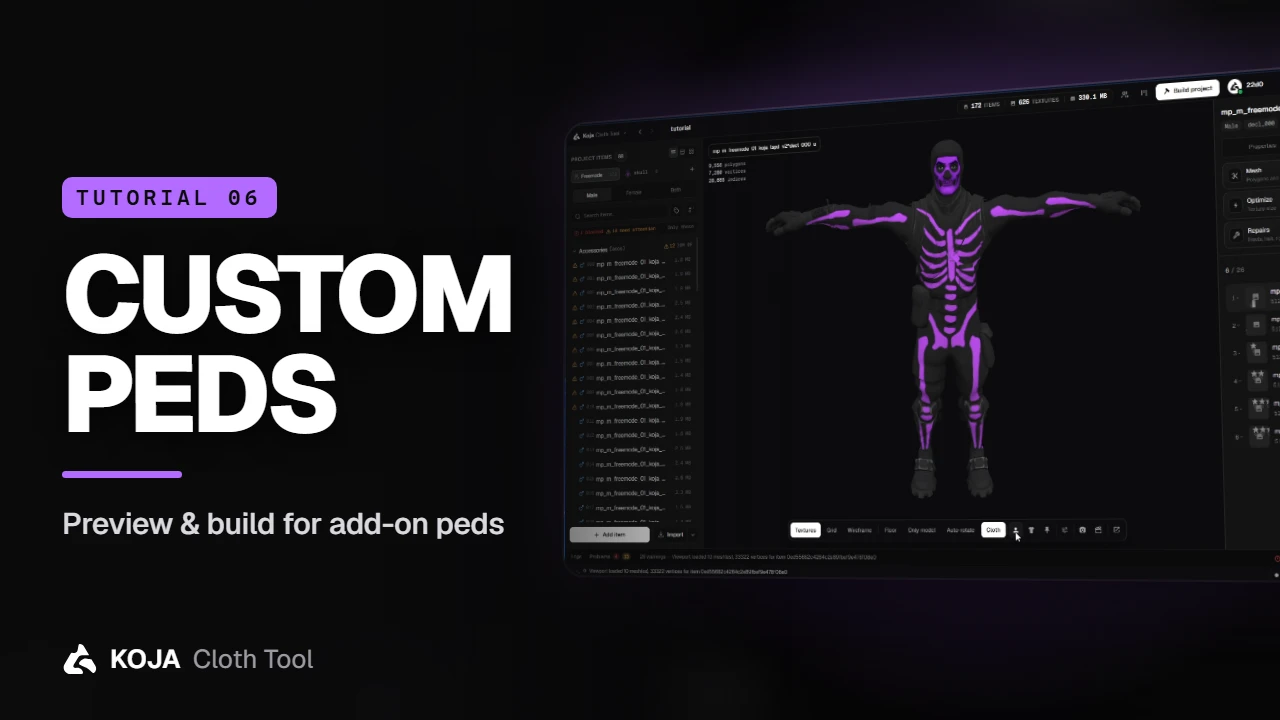
Add your add-on peds to the Ped library, preview garments on them instead of the freemode body, and refit freemode clothes onto them with Model Studio.
Clothes aren't only for the freemode ped. If your server runs add-on peds, Koja Cloth Tool can preview on them, dress them and build for them.
Open the Ped library
Click the + next to Freemode above the item list. The Ped library holds every ped this project previews on, dresses and builds for — and it's shared with your team through the project.
Add a ped
Add one from the game, from a resource folder, from a zip, or from the Ped Creator. It joins the library with a compatibility note, and its menu offers:
- Preview on this ped
- Dress… and Save as a body preset
- Build the selected item for this ped
- Make clothes for this ped and Build ped pack…
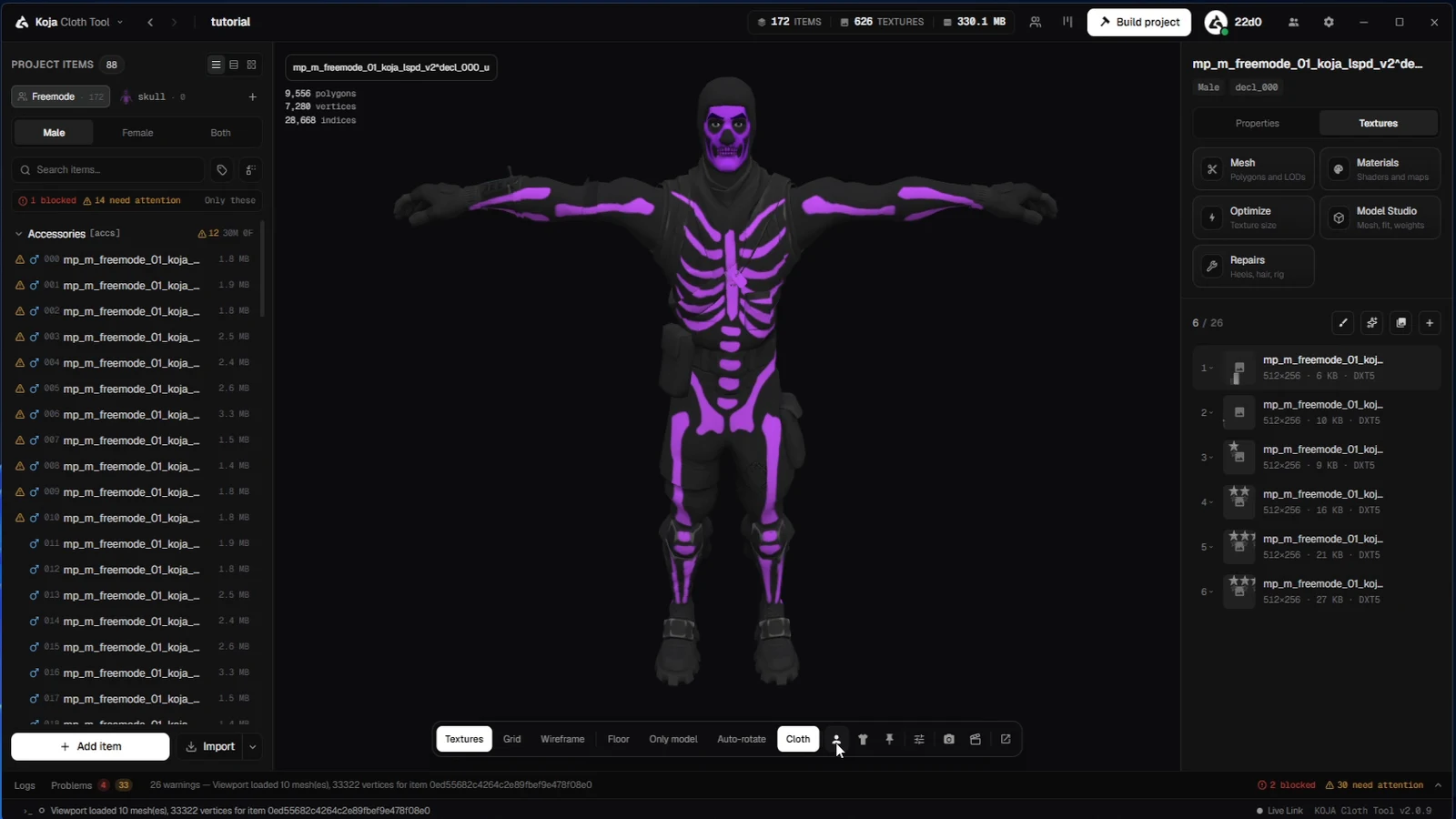
Preview on it
Choose Preview on this ped and the viewport swaps the freemode body for yours — the quickest way to see whether a garment you made for freemode will survive on a different body.
Give it clothes of its own
Switch the item list from Freemode to your ped to work on its own items. Fit a freemode item opens Model Studio on the Fit to ped page, which refits an existing garment onto the ped's body: it pushes the cloth out where it would sink into the skin and can shrink-wrap it to the body. Check the result in the pose check, then create the ped's version.
tip
Every ped's items build into that ped's own pack, so your freemode collection stays exactly as it was.
That's the series. Questions, requests for the next tutorial, or a pack that won't behave — find us on Discord.
← Previous: Share items as .kct packages
New to the tool? Download Koja Cloth Tool — it's free to start. Full documentation lives at docs.kojascripts.eu, and if a pack misbehaves, ask us on Discord.